WebSocket-first
Persistent WebSocket connections with Server-Sent Events as automatic fallback. Keepalive pings every 20 seconds.
WPSignal serves as a WebSocket relay for your WordPress site. In combination with the WordSocket plugin, you can trigger events for any WordPress action hook. Dispatch events from your PHP code to all browsers connected to your site.
<Simple />
wp plugin install wordsocket --activatecomposer require wpackagist-plugin/wordsocket<Intuitive />
Click "Connect to WPSignal" in the settings page:WP Admin > WordSocket > Connect.
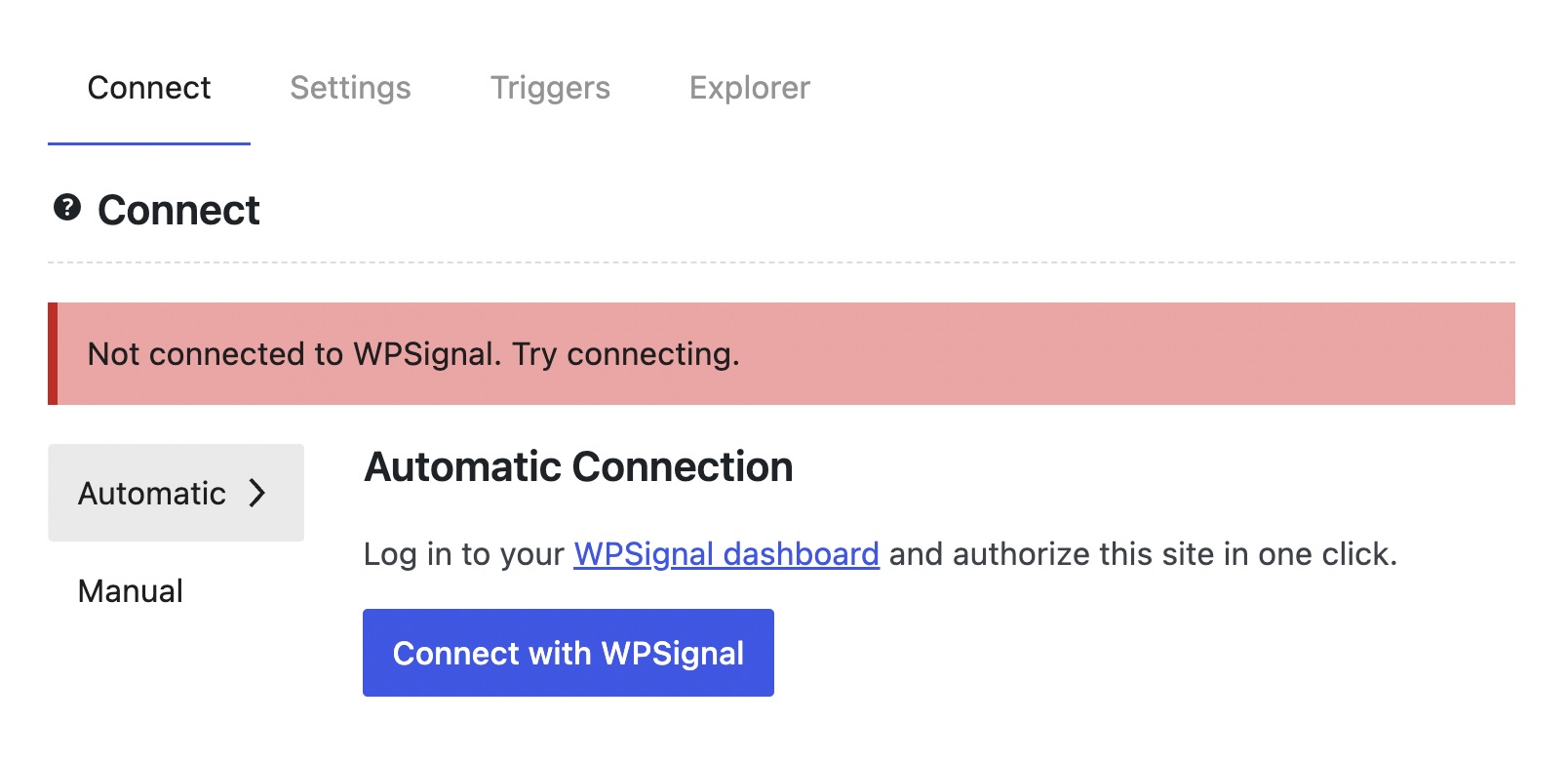
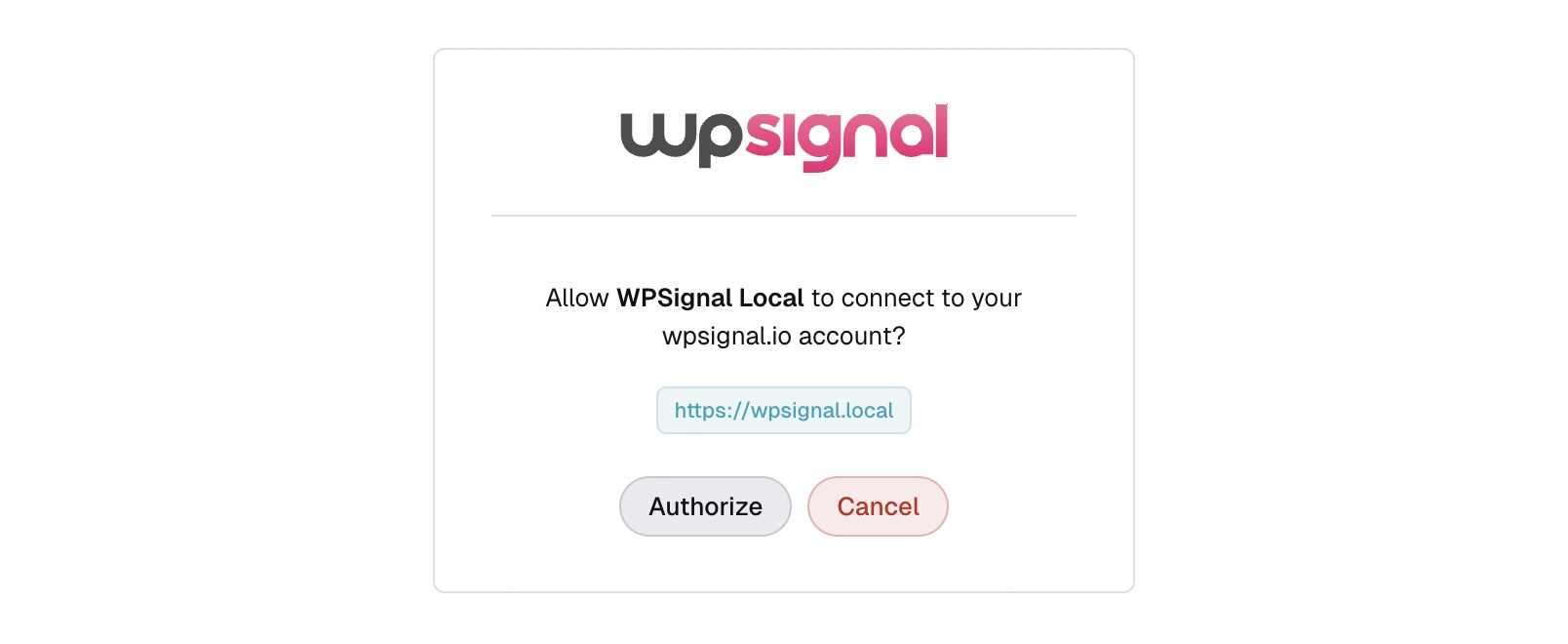
Click "Connect to WPSignal" in the settings page: your site registers automatically and credentials are saved.
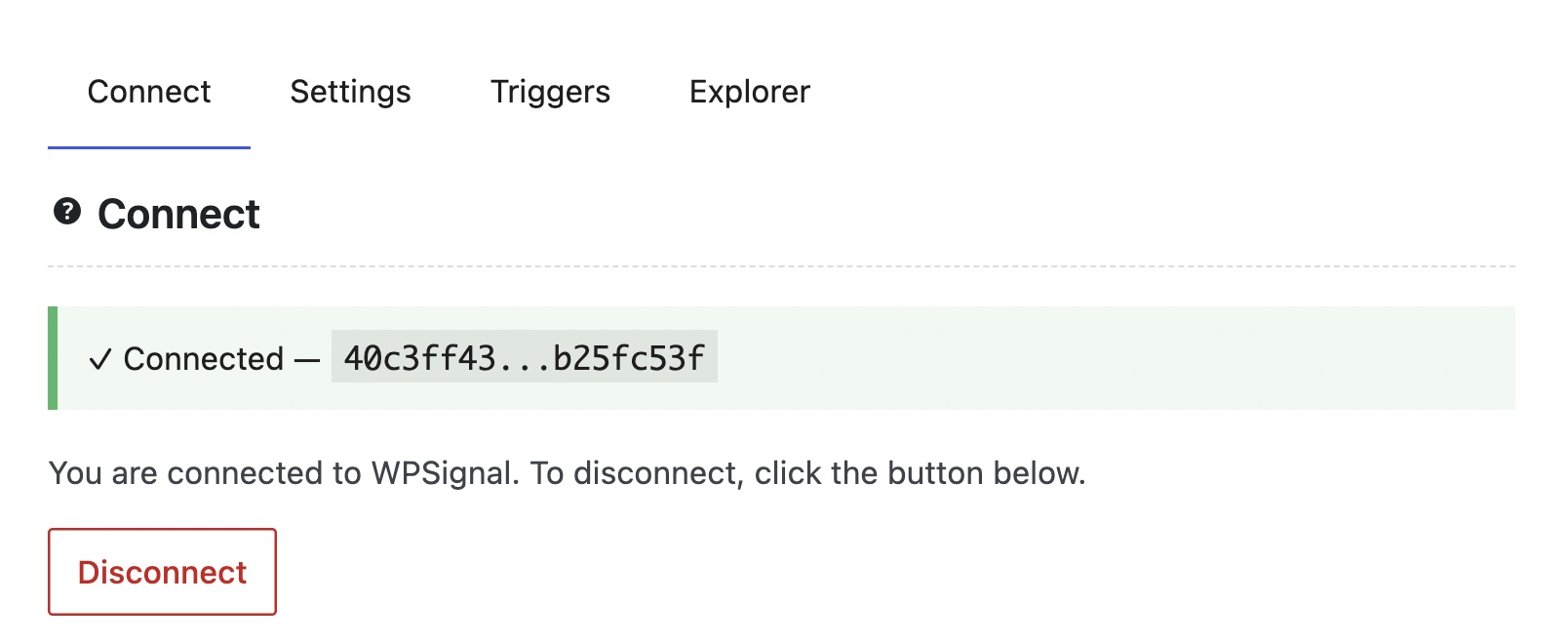
Your site is connected to WPSignal and ready to receive events.
<Capabilities />
Persistent WebSocket connections with Server-Sent Events as automatic fallback. Keepalive pings every 20 seconds.
Every event is signed with SHA-256 HMAC. Timestamp replay protection and per-site rate limiting built in.
Attach events to any WordPress action hook with a builder API: channel, payload, condition and more, all in one call.
When using WordSocket, all events are AES-256-GCM encrypted before leaving WordPress. WPSignal only ever sees ciphertext.
Each WordPress site gets its own site_key and publish secret. Tenant isolation is enforced at the channel level.
Built-in admin page showing connection status, live event log, publish form, and token inspector for instant debugging.
WordPress 7.0 ships a collaborative block editor built on Yjs.
WordPress will ship real-time collaborative editing in a future version release.
The default transport is HTTP polling. WordSocket registers as a WebSocket-based Yjs sync provider, replacing polling with a persistent low-latency connection using the same relay your events already run on. No extra configuration required.
<Code />
<What's next />
WPSignal is actively developed. Here's what's planned next.
WPSignal as a Tier 3 WebSocket sync provider for WordPress collaborative editing, powered by Yjs.
WordSocket is live on the WordPress.org plugin directory. Install it directly from WP Admin or via WP-CLI.
WPSignal currently supports blind-relay encryption, WPSignal only ever sees ciphertext. Soon E2E encryption will be supported.
A separate WordPress plugin providing 1-on-1 direct messaging for logged-in users, powered by WPSignal's bidirectional WebSocket relay.
One primary WordPress site dispatches events; connected child sites consume them. Cross-site event routing without duplication.
Allow multiple single user connections to be multiplexed through a single shared worker.
Free during beta. No credit card required. Sign up, connect your site, and push your first event in minutes.